
📥 How do I access my account? Step by stepUpdated 4 months ago
Step 1: Go to Login to access your account.
Step 2: Enter your email address.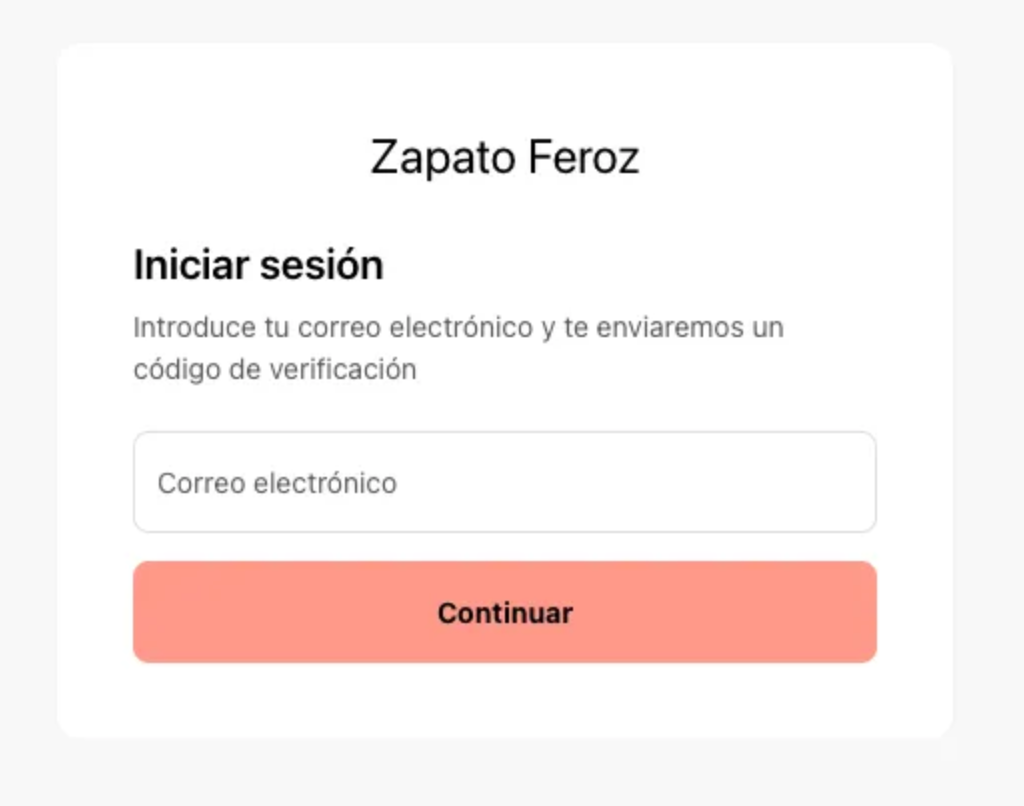
Step 3: Check your inbox and copy the code you received.
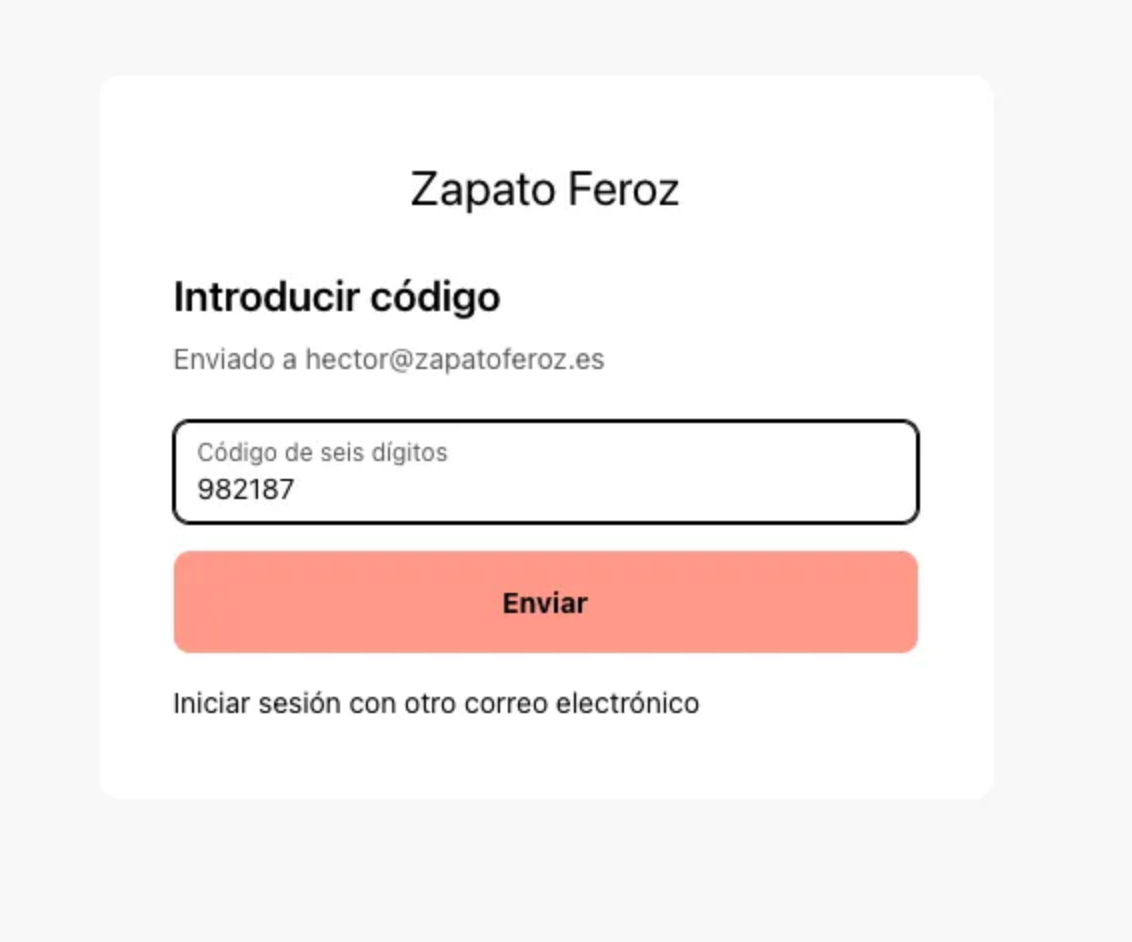
Step 4: Enter the code on the website. Done!
Having any of these issues?
“I didn’t receive the code.” ▶️ Double-check that you entered your email correctly.
“It’s my first time. I don’t have an account.” ▶️ If you’ve never purchased or created an account before, just enter your email and you’ll receive a code. When you use it, an account will be automatically created for you. If you make a purchase later, everything will be saved there.
“The code expired.” ▶️ Simply request a new code.